
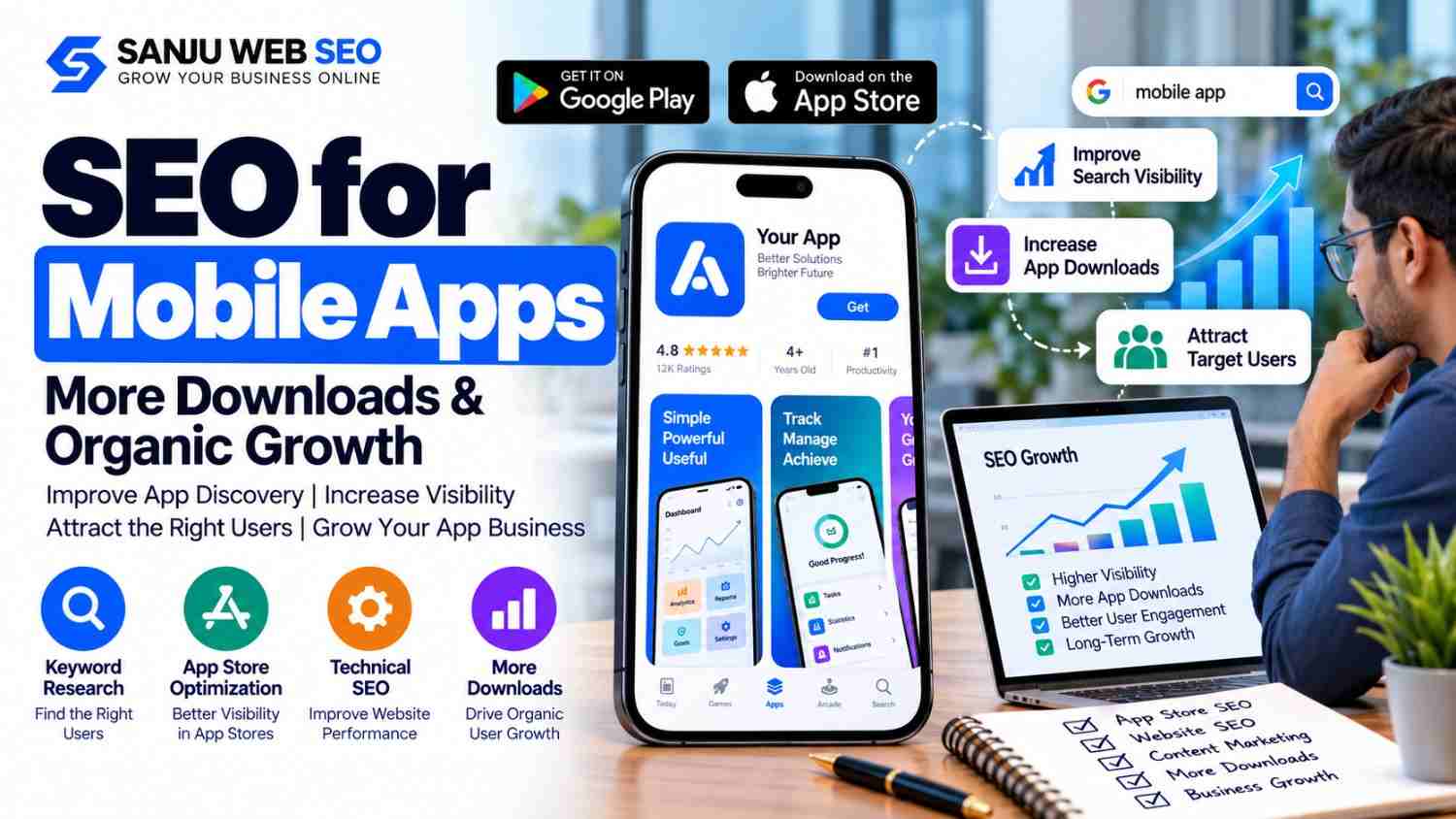
How SEO for Mobile Apps Helps Businesses Improve Discovery, Downloads, and User Acquisition
SEO for Mobile Apps helps businesses improve how potential users discover their applications through search engines and app stores. Instead of depending entirely on paid advertisements, app businesses can build organic visibility by optimizing their app listings, website content, technical performance, and user acquisition journey. As a result, they can reach people who are already searching for solutions their apps provide.
However, mobile app SEO involves more than adding keywords to an app description. Businesses need to understand how users search, what information they need before installing an app, and which channels bring valuable users. Therefore, a strong strategy combines app store optimization (ASO), website SEO, helpful content, technical improvements, and conversion tracking.
Whether you operate a fintech application, an e-commerce app, a fitness platform, an educational product, or a business productivity tool, the objective remains similar: connect the right audience with your app and make the next step simple.
1. Understand the Difference Between SEO and App Store Optimization
SEO and app store optimization support app discovery, but they serve different environments.
Traditional SEO focuses on improving a website’s visibility in search engines such as Google. In contrast, ASO focuses on helping users discover and choose an application through platforms such as the Apple App Store and Google Play.
Nevertheless, these activities work best when they support one another.
For example, someone searching for a personal finance app might first read a budgeting guide on Google. Later, that person may compare available apps in an app store before choosing one. If your website answers the original question and your app listing clearly explains the product, both touchpoints can contribute to discovery.
| Optimization area | Primary purpose | Important activities |
|---|---|---|
| Website SEO | Attract relevant search traffic | Keyword research, helpful content, technical SEO, internal linking |
| App Store Optimization | Improve app discovery and listing performance | App title, description, category, screenshots, relevant keywords |
| Conversion optimization | Help interested users take action | Clear benefits, compelling visuals, simple installation journey |
| Performance measurement | Understand acquisition quality | Analytics, install attribution, engagement, retention |
Consequently, app businesses should not treat website SEO and ASO as competing strategies. Instead, connect them through a consistent product message and a clear user journey.
2. Conduct Keyword Research Around User Intent
Keyword research helps you understand how potential users describe their problems and search for solutions. However, choosing keywords simply because they appear popular can waste time and resources.
Start by identifying the main problem your app solves. Then, research the words people use when exploring solutions, comparing products, and deciding what to install.
For example, a fitness application might target searches related to home workout plans, beginner exercise routines, fitness tracking, and personalised training. Similarly, a language-learning app could explore searches involving vocabulary practice, spoken English, pronunciation exercises, and learning a new language.
Next, group these keywords according to search intent.
Identify Different Types of App-Related Searches
Informational searches indicate that someone wants guidance. For example, a user may search for ways to improve sleep habits or manage monthly expenses.
Commercial searches indicate that someone is comparing solutions. They might look for the best budgeting app, compare fitness applications, or explore language-learning tools.
Branded searches include a specific app or company name. These searches are especially important when users already know your product.
Transactional or action-oriented searches show a stronger interest in installing, subscribing to, or using a product. The exact intent depends on the wording and the search environment.
Therefore, map each keyword group to the appropriate page or app-store listing. An educational query may deserve a detailed article, while a product-focused query may be better served by a feature page or app landing page.
Avoid forcing every keyword onto one page. Instead, create a clear structure in which each page serves a distinct purpose.
3. Optimize Your App Store Listing
Your app listing often influences whether a potential user decides to install your application. Therefore, it should explain the product clearly, communicate its benefits, and accurately represent its functionality.
Start with the app name and title. Use a distinctive name that is easy to understand and remember. Where platform rules allow, communicate the app’s primary purpose without making the title confusing or excessively keyword-focused.
Next, write a concise description that explains the problem your app solves. Lead with the most important benefit rather than a long list of technical features.
For instance, instead of saying that a finance app includes dashboards, reports, and notifications, explain how those features help users track spending and understand their financial habits.
Improve Descriptions, Categories, and Visual Assets
Choose the most relevant category for your application. An accurate category helps users understand what type of product they are viewing.
Also, select keywords based on genuine user searches and the app’s actual functionality. Platform-specific rules differ, so review the current requirements for each store before updating metadata.
Visual assets matter as well. Use screenshots that demonstrate real app functionality and show why the product is useful. Where appropriate, add short explanatory text that highlights a key benefit.
Furthermore, consider testing alternative icons, screenshots, or previews through the platform’s available experimentation tools. Apple’s App Store product page optimization documentation explains how developers can compare different product page treatments.
However, avoid misleading screenshots, unsupported claims, irrelevant keywords, and competitor brand names used without authorization.
4. Create a Dedicated Website for Your Mobile App
An app store listing is important, but it should not be your only online destination. A dedicated website gives you more control over educational content, product explanations, search visibility, and conversion paths.
Your app website should explain what the application does, who it serves, and why someone might choose it over alternative solutions.
Include a clear overview of the product, important features, supported platforms, pricing information where relevant, frequently asked questions, and links to official app listings.
Moreover, create dedicated pages for meaningful features or use cases when they provide distinct value. For example, a project management app might explain task planning, team collaboration, reporting, and workflow automation on separate pages if users have different needs and each page offers substantial information.
Make App Installation Easy
Visitors should be able to move from researching your product to finding the appropriate app-store listing without unnecessary steps.
Use visible download buttons and ensure that each link opens the correct listing. If your app supports both Android and iOS, present the available options clearly.
In addition, test your website on different screen sizes. Google uses the mobile version of website content for indexing, so mobile usability and content consistency deserve attention. Review the official Google mobile-first indexing guidance before making significant technical changes.
A well-structured website also supports your wider digital marketing efforts. If your application is part of a growing technology business, relevant resources about SEO for IT Companies can help you explore how service-focused website content supports organic discovery.
5. Publish Helpful Content Around Your App’s Use Cases
Content marketing can attract people before they are ready to install an application. It also gives your business an opportunity to explain its expertise, demonstrate practical value, and answer common questions.
However, publishing large numbers of generic articles is unlikely to create a sustainable advantage. Instead, focus on the real problems your intended users face.
For example, an education app might publish study planning guides, revision techniques, and subject-specific learning resources. Meanwhile, a personal finance app could explain expense tracking, budget planning, and common money management mistakes.
Each article should provide useful information even if the reader does not immediately install the app.
Connect Informational Content With Relevant Product Pages
Use internal links to connect related articles with appropriate feature pages or app landing pages. These links should provide a logical next step rather than interrupt the reader with an unrelated sales message.
For instance, a guide about organising team tasks could link to a project management feature page. Likewise, an article about tracking daily expenses could link to a relevant budgeting feature.
Additionally, review your existing content before publishing new topics. If an article already addresses the same search intent, improve that resource instead of creating a near-duplicate page.
Businesses that are still developing their acquisition strategy can also learn from the principles in SEO for Startups, particularly the importance of prioritising valuable search opportunities and building content around real customer needs.
6. Strengthen Technical SEO and Website Performance
Technical problems can prevent search engines from accessing important pages or make the website difficult to use. Therefore, technical SEO should be part of your regular app marketing workflow.
Start by checking whether important landing pages can be crawled and indexed. Review robots directives, canonical tags, redirects, XML sitemaps, broken links, and duplicate URLs.
Next, examine mobile performance. Large images, unnecessary scripts, excessive third-party tools, and poorly implemented page elements can slow down the user experience.
However, avoid making technical changes simply to achieve a perfect score in an automated tool. Instead, investigate the underlying problem and measure whether the change improves real usability.
Review JavaScript and App-Related Pages
Some app marketing websites rely heavily on JavaScript to display content. If important text, navigation links, or metadata cannot be rendered properly, search engines may struggle to understand the page.
Google provides guidance on JavaScript SEO basics that can help developers diagnose these issues.
Also, distinguish between public marketing pages and private application screens. Product pages, feature explanations, and public help resources may need search visibility, whereas private account areas generally serve a different purpose.
If your website includes software application information, review whether SoftwareApplication structured data is appropriate. Use structured data only when the page genuinely describes the application and meets the relevant requirements. It does not guarantee a special search appearance or higher rankings.
7. Improve Conversion Rates From Search Visitors to Installs
Attracting traffic is only part of the job. A visitor may read your article, visit your product page, and still leave without installing the app.
Therefore, identify the points where potential users hesitate.
Does the landing page explain the product clearly? Are the screenshots relevant? Can visitors understand the pricing? Do the download buttons work? Is there enough information to address common concerns?
Answer these questions before redesigning the entire website.
Use Clear Calls to Action
Each important page should have a suitable next step. Depending on the visitor’s intent, that action might be downloading the app, viewing a feature demonstration, exploring pricing, or contacting your team.
For example, an informational article may first invite readers to explore a relevant feature. A product landing page, on the other hand, can present a more direct installation option.
Keep the action consistent with the content. Too many competing buttons can distract visitors and make the page harder to navigate.
Furthermore, review the installation journey on actual devices. Test store links, app availability, onboarding screens, and any required registration steps. A broken link or confusing sign-up process can waste the effort invested in attracting visitors.
8. Build Trust With Accurate Information and Demonstrable Value
People may hesitate to install an unfamiliar app, particularly when it involves payments, personal information, health, education, or business data.
Consequently, your website and app listing should provide accurate information about the organisation, product functionality, support options, and relevant limitations.
Where appropriate, explain how users can contact your team, find documentation, manage their accounts, or access support.
Also, present testimonials, case studies, and product claims responsibly. Use genuine evidence and obtain permission where required. Do not invent customer experiences, inflate performance figures, or promise results that cannot be substantiated.
If your app handles sensitive information, ensure that privacy statements and data practices are accurate and consistent with the product’s actual behaviour.
Trust is not created by adding a badge or writing that an app is reliable. Instead, it develops through transparent information, a useful product experience, and consistent support.
9. Measure SEO Performance Beyond App Downloads
A successful strategy should connect search visibility with meaningful business outcomes. Therefore, track both website performance and app acquisition quality.
Google Search Console can help you review website impressions, clicks, search queries, page performance, and indexing issues. Meanwhile, app-store analytics and appropriate app analytics tools can help you understand listing performance, installations, engagement, and retention.
Use a consistent measurement framework.
| Metric | What it helps you understand |
|---|---|
| Organic impressions | How often eligible pages appear in search results |
| Organic clicks and CTR | Whether search listings attract relevant visitors |
| App listing views | How often users view the product page |
| Install conversion rate | How effectively listing visits lead to installations |
| Activation rate | Whether new users complete an important first action |
| Retention | Whether users continue using the application |
| Qualified leads or revenue | Whether acquisition contributes to business objectives |
Where possible, connect these metrics using appropriate attribution and analytics tools. Keep in mind that reporting definitions differ between platforms, so do not compare metrics without understanding how each is calculated.
For example, an increase in downloads may look positive, but it may not improve business performance if users never activate or quickly abandon the application. Conversely, a smaller number of highly relevant users may create more value.
Therefore, evaluate acquisition quality alongside volume.
10. Create a Practical 90-Day SEO for Mobile Apps Plan
A structured plan helps teams work consistently without trying to fix every issue at once.
| Period | Main priority | Key activities |
|---|---|---|
| Days 1–30 | Research and audit | Review keywords, website structure, app listings, analytics, technical issues, and competitors |
| Days 31–60 | Implement improvements | Update priority landing pages, improve app metadata, publish useful content, and fix technical problems |
| Days 61–90 | Measure and refine | Review search performance, listing conversions, user activation, and content opportunities |
During the first month, establish a reliable baseline and identify the most important problems. Next, implement changes according to their business impact and available resources.
Finally, evaluate the results and determine what needs further improvement. SEO performance varies by competition, product demand, website condition, and execution, so avoid expecting guaranteed rankings or downloads within a fixed period.
A regular review process is more useful than publishing content without evaluating its performance.
Common SEO Mistakes Mobile App Businesses Should Avoid
Several mistakes can weaken an otherwise promising app marketing strategy.
Targeting irrelevant keywords: Choose terms that accurately describe your app and match genuine user intent.
Ignoring the website: An app store listing alone may not answer every question potential users search for.
Publishing repetitive articles: Every resource should provide distinct value rather than repeat existing content with minor changes.
Using misleading app screenshots: Visual assets should represent real functionality and set accurate expectations.
Neglecting technical SEO: Broken links, indexing problems, and slow pages can interfere with discovery and usability.
Measuring downloads alone: Evaluate activation, retention, qualified leads, and revenue where appropriate.
Expecting immediate results: Organic visibility develops over time and cannot be guaranteed.
Avoiding these mistakes helps create a more balanced acquisition strategy that supports discovery, trust, and long-term product growth.
Build a Sustainable Growth Strategy for Your Mobile App
Every mobile application has different users, competitive pressures, business models, and growth targets. Therefore, an effective SEO strategy should begin with your product’s actual strengths and the needs of its intended audience. Start by improving the pages and listings that already have potential. Then, expand into useful content topics, strengthen technical foundations, and measure whether the resulting traffic leads to valuable actions.
If your business needs support with website visibility, content planning, technical improvements, or search performance analysis, Sanju Web SEO can help you evaluate opportunities and build a practical SEO strategy around your business goals. Visit Sanju Web SEO to explore the available services. You can also connect with us through our Google Business Profile to learn more about our business and local SEO services, or follow Sanju Web SEO on LinkedIn for SEO insights, digital marketing updates, and practical growth tips.
For assistance with your website’s SEO strategy, contact Sanju Web SEO at +91 9302110432.
FAQ’s:-
Q1. What is SEO for Mobile Apps?
SEO for Mobile Apps is the process of improving how people discover an application through search engines and related online resources. It can include website optimization, keyword research, helpful content, technical SEO, and links to official app-store listings. App Store Optimization complements these activities by improving the app’s visibility and presentation within app stores.
Q2. How does SEO for Mobile Apps help increase downloads?
SEO for Mobile Apps can attract relevant visitors who are searching for solutions your application provides. A useful landing page, clear product information, and accessible app-store links can help interested users take the next step. However, actual download growth depends on factors such as search demand, competition, product relevance, and the quality of the installation journey.
Q3. What is the difference between app SEO and App Store Optimization?
App SEO generally includes search visibility for the website and related public content, whereas App Store Optimization focuses on discoverability and conversion within app stores. Both can support user acquisition. For example, an article can introduce your product through Google, while a well-presented app listing can help the visitor evaluate the application before installing it.
Q4. How can SEO for Mobile Apps improve app store visibility?
SEO for Mobile Apps can support app discovery through relevant website content, product landing pages, and a consistent acquisition strategy. Within the app store, accurate metadata, suitable categories, useful screenshots, and a clear description can improve how users understand the product. Store algorithms and ranking factors vary, so results are not guaranteed.
Q5. Does SEO for Mobile Apps require a separate website?
A separate domain is not always necessary. However, a dedicated section or landing page on your existing website can explain the app’s features, benefits, pricing, and installation options. This also gives search engines accessible web content to evaluate. The right structure depends on your website, product, audience, and broader business goals.
Q6. Which keywords should businesses target for SEO for Mobile Apps?
Businesses should target relevant searches connected to their product category, features, use cases, and customer problems. For example, a fitness app may target workout planning and fitness tracking queries. Research search intent and competition before choosing keywords, and avoid targeting popular terms that do not match the application’s real functionality.
Q7. How long does SEO for Mobile Apps take to produce results?
SEO for Mobile Apps does not follow a guaranteed timeline. Some improvements may help users discover or understand an app sooner, while organic search growth can take longer. Competition, website quality, product demand, and implementation all influence outcomes. Review performance regularly and make decisions using reliable data rather than fixed ranking promises.
Q8. How can businesses measure SEO for Mobile Apps performance?
Businesses can monitor organic impressions, clicks, CTR, landing-page engagement, app listing views, installations, activation, and retention. Google Search Console provides website search performance data, while app analytics tools provide additional product metrics. Where possible, connect these measurements to qualified leads, subscriptions, or revenue to evaluate business impact.
Q9. Can SEO for Mobile Apps help businesses acquire users without relying entirely on paid advertising?
SEO for Mobile Apps can provide an additional acquisition channel by helping potential users discover useful content and relevant product pages organically. Nevertheless, organic traffic requires ongoing work and does not guarantee free or immediate growth. Businesses should assess the quality of acquired users and combine suitable channels according to their objectives and resources.
Q10. Why should a business invest in professional SEO for Mobile Apps?
Professional SEO support can help businesses prioritise keyword opportunities, improve website structure, identify technical problems, develop useful content, and measure performance. It can also help connect website discovery with app-store conversion goals. The appropriate level of support depends on the team’s skills, product complexity, competition, and available resources.