
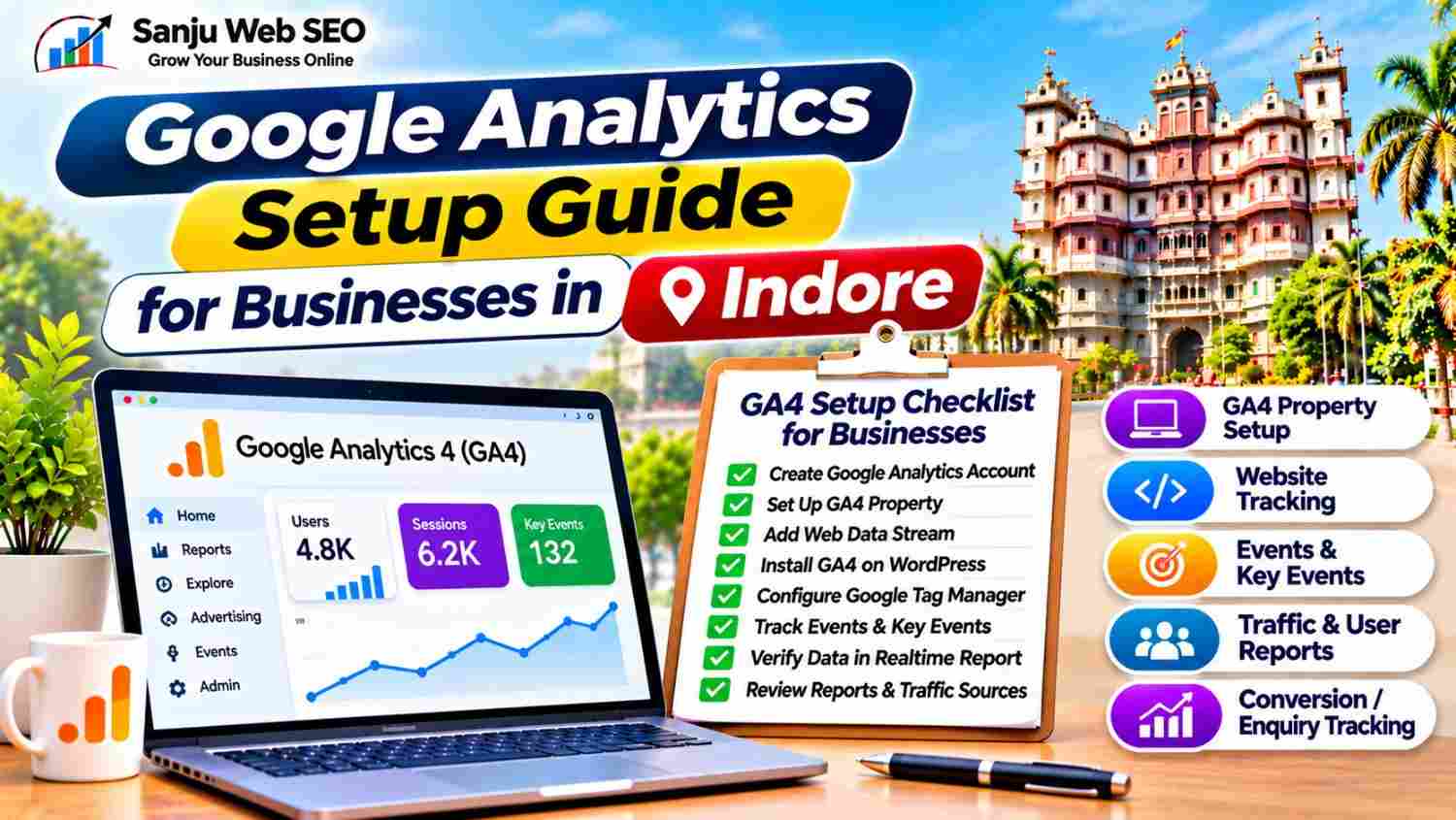
Google Analytics Setup Guide for Businesses in Indore: GA4 Installation, Website Tracking and Reporting
A Google Analytics Setup Guide for Businesses in Indore helps companies understand how to install Google Analytics 4 (GA4) and measure activity on their websites. Whether you operate a local service business, clinic, restaurant, consultancy or eCommerce store, website analytics can help you understand how visitors discover your website and interact with its content.
However, creating a Google Analytics account is only the beginning. You also need to configure a GA4 property, create a web data stream, install the tracking tag and verify that data is being collected correctly. Additionally, businesses should configure relevant events and key events to measure meaningful actions such as enquiries, form submissions and purchases.
This guide explains the complete Google Analytics setup process, particularly for WordPress websites. It also covers reporting, conversion tracking, common configuration mistakes and practical ways to use analytics data for businesses targeting customers in Indore.
What Is Google Analytics 4 and How Does It Work?
Google Analytics 4, commonly called GA4, is Google’s analytics platform for measuring activity across websites and applications.
It uses an event-based measurement model. This means that user interactions are recorded as events rather than relying only on traditional pageview-based reporting.
GA4 can help businesses understand:
- How visitors reach their websites
- Which pages receive traffic
- How users interact with website content
- Which devices visitors use
- Where website visitors are located at a broad geographic level
- Which marketing channels generate traffic
- Which actions contribute to business goals
For example, a local business can use GA4 to review website visits, contact button clicks and enquiry form submissions. Consequently, the business can better understand how visitors interact with its online presence.
Why Google Analytics Setup Is Important for Businesses in Indore
Businesses need more than website traffic numbers to understand their online performance. They also need information about visitor behaviour and meaningful actions.
1. How Google Analytics Helps Businesses Understand Website Traffic
Google Analytics helps identify how visitors reach your website through different acquisition channels.
For example, you can review traffic from organic search, direct visits, referrals and other available channels. Additionally, this information helps you understand which sources bring visitors to your website.
2. How GA4 Helps Identify Popular Website Pages
The Pages and Screens reports help businesses understand which pages receive attention.
You can identify popular service pages, blog posts and landing pages. Moreover, this information can help prioritize content improvements and internal linking opportunities.
3. How Google Analytics Measures Customer Interactions
A visitor landing on your website does not necessarily become a customer. Therefore, tracking meaningful interactions is important.
GA4 can measure relevant actions such as form submissions, purchases and other configured events. As a result, businesses can evaluate more than traffic volume.
4. How Google Analytics Supports Better Marketing Decisions
Analytics data helps businesses review their marketing activities.
For instance, if a particular landing page receives visitors but generates very few enquiries, you can investigate its content, contact options and user experience.
However, analytics data should be interpreted carefully. A high traffic number alone does not establish that a marketing campaign is successful.
Google Analytics Setup Guide for Businesses in Indore: 10 Essential GA4 Setup Steps
Follow these steps to configure GA4 and start measuring your website activity.
Step 1: Create a Google Analytics Account for Your Business
First, visit the official Google Analytics website:
Sign in using your Google account. Ideally, use a business-controlled account so that access remains available to authorized team members.
Next, start creating an Analytics account and enter the requested account details.
You may need to provide:
- Account name
- Account data-sharing preferences
- Property name
- Reporting time zone
- Currency
For an Indore-based business, select the appropriate reporting time zone and currency according to your business requirements.
Additionally, review the account settings before continuing. This helps establish a suitable analytics structure from the beginning.
Step 2: Create a GA4 Property for Website Analytics
A GA4 property represents the website or application whose data you want to measure.
After creating your Analytics account, create a new property and enter its name.
For example, you can use your business or website name to identify the property easily.
Next, select the reporting time zone and currency. Then complete the requested business information and select the relevant business objectives where available.
If your company manages multiple websites, plan the property structure carefully. Each website may require its own appropriate measurement configuration.
Step 3: Create a Google Analytics Web Data Stream
After creating the property, configure a web data stream for your website.
Follow these steps:
- Open the relevant GA4 property.
- Navigate to the Data Streams section.
- Select Web.
- Enter your website URL.
- Provide a recognizable stream name.
- Review the enhanced measurement settings.
- Create the web data stream.
After creation, GA4 displays a Measurement ID that identifies the web stream.
The Measurement ID generally begins with G-.
Copy this ID because you may need it when installing the Google tag through WordPress, Google Tag Manager or another supported integration.
Step 4: Install Google Analytics on Your WordPress Website
WordPress websites offer several ways to install GA4 tracking.
Option 1: Use a Suitable Analytics Plugin
You can use a compatible analytics plugin to connect your website with Google Analytics.
Follow the plugin’s setup instructions and connect the correct Google account and GA4 property.
Option 2: Use Google Tag Manager
Google Tag Manager provides a centralized way to manage website tracking tags.
You can install the Tag Manager container on your WordPress website and configure the Google tag using your GA4 Measurement ID.
Option 3: Add the Google Tag Directly
You can also install the Google tag through the appropriate website code or a suitable code-management solution.
However, make sure the tag loads correctly on the pages you want to measure.
Avoid installing GA4 tracking through multiple methods simultaneously without checking the implementation. Otherwise, duplicate tags may cause repeated events or inaccurate measurement.
Step 5: Configure Google Tag Manager for GA4 Tracking
Google Tag Manager can help manage analytics and marketing tags without repeatedly editing website code.
A basic setup involves:
- Creating a Google Tag Manager account.
- Creating a container for your website.
- Installing the container code.
- Opening the container workspace.
- Creating a Google tag.
- Entering your GA4 Measurement ID.
- Setting the appropriate trigger.
- Testing the configuration.
- Publishing the container after verification.
Additionally, use Tag Assistant or the available preview tools to check whether tags fire correctly.
If your website already uses another analytics plugin, review its tracking configuration before adding Google Tag Manager. This helps avoid duplicate measurement.
Step 6: Verify Google Analytics Setup and Data Collection
After installing the tracking tag, verify that your website sends data to the correct GA4 property.
Open your website in another browser tab and visit a few pages.
Next, open the Realtime report in Google Analytics.
You may see information about active users and their recent activity when data is successfully received.
For additional verification, use Google Tag Assistant or browser debugging tools to inspect tag activity.
However, data may not appear immediately in every report. Performance delays, consent settings, browser restrictions and implementation errors can affect what you see.
Therefore, check the tag configuration before assuming that your Analytics property is working correctly.
Step 7: Configure Google Analytics Events and Key Events
GA4 uses events to measure user interactions.
Some events may be collected automatically or through enhanced measurement, depending on your configuration. Others require additional setup.
Examples include:
- Page views
- Scroll activity
- Outbound clicks
- File downloads
- Form submissions
- Phone number clicks
- Purchase activity
Not every business needs to track every possible interaction.
Instead, identify actions that represent meaningful engagement or business outcomes.
For example, a service business in Indore may want to measure successful enquiry submissions and relevant contact interactions.
You can then mark eligible and important events as key events in GA4.
Previously, these important actions were commonly referred to as conversions in GA4 terminology. Therefore, use the current key event settings when configuring your reporting.
Step 8: Set Up Lead and Enquiry Tracking in Google Analytics
For many local businesses, website enquiries are more important than total pageviews.
Therefore, configure tracking around genuine business actions.
Possible tracking opportunities include:
- Successful contact form submissions
- Appointment requests
- Quote request submissions
- Completed booking actions
- Purchase confirmations
- Important contact interactions
For example, a contact form submission should ideally be measured after successful submission rather than whenever someone simply opens the form.
Similarly, phone button clicks can indicate contact intent, but they do not necessarily prove that a call was completed.
Use suitable event triggers and test each action carefully. Additionally, avoid counting the same interaction multiple times.
Step 9: Review Google Analytics Reports and Traffic Sources
Once data collection is working, use GA4 reports to understand website activity.
Important reporting areas include:
Realtime Report: Shows recent activity from users on your website.
Acquisition Reports: Help you understand how users arrive through different channels.
Engagement Reports: Provide information about events, pages and screens.
Landing Page Information: Helps you understand which pages visitors enter through, where the relevant report is available in your configuration.
Demographic and Technology Information: Can provide broad information about audiences, devices and locations, subject to data availability and privacy settings.
Additionally, use comparisons and date filters to review performance over time.
For example, compare two reporting periods to understand whether organic traffic or enquiry activity has changed.
Step 10: Maintain Google Analytics Data Quality, Privacy and Access
Analytics implementation should also consider privacy and access management.
Review the following areas:
- Appropriate user permissions
- Data retention settings
- Consent requirements
- Privacy policy information
- Internal traffic filtering, where appropriate
- Data quality and duplicate events
- Unnecessary personal information collection
Additionally, follow applicable privacy laws and platform requirements when collecting or processing visitor information.
Do not send sensitive personal information, such as passwords or confidential form details, to Google Analytics.
Finally, review your tracking setup periodically to ensure that website updates have not interrupted data collection.
Common Google Analytics Setup Mistakes Businesses in Indore Should Avoid
Even after installing GA4, configuration mistakes can affect reporting accuracy.
Avoid these common problems:
- Installing duplicate tracking tags: Multiple implementations can produce repeated events and inaccurate data.
- Selecting the wrong property: Always connect the correct website to the intended GA4 property.
- Ignoring Measurement ID errors: Verify that the installed tag uses the correct ID.
- Not testing Realtime reports: Check whether website activity is reaching Analytics.
- Tracking only pageviews: Configure meaningful events and key events where appropriate.
- Counting form openings as enquiries: Track successful submissions instead.
- Ignoring internal traffic: Review whether your own team’s visits affect reporting.
- Ignoring consent requirements: Configure tracking according to applicable privacy requirements.
- Giving unnecessary account access: Assign permissions according to actual responsibilities.
- Making decisions from incomplete data: Check tracking quality and reporting context before drawing conclusions.
By following a structured setup process, businesses can reduce measurement errors and maintain more useful analytics data.
Google Analytics Setup and Google Search Console: Understanding the Difference
Google Analytics and Google Search Console are both useful SEO and website monitoring tools. However, they measure different aspects of website performance.
| Feature | Google Analytics 4 | Google Search Console |
|---|---|---|
| Main purpose | Website activity measurement | Google Search performance |
| Traffic information | Acquisition channels and users | Google Search clicks and impressions |
| User behaviour | Events and engagement | Limited search-related behaviour |
| Indexing information | Not its primary purpose | Indexing and URL inspection |
| Search queries | Limited and not a complete query report | Search queries and page performance |
| Conversion tracking | Events and key events | Not a full website conversion analytics tool |
Therefore, businesses should use both tools together.
Search Console helps explain how people discover your website through Google Search. Meanwhile, Analytics helps you understand what happens after visitors arrive.
How Sanju Web SEO Approaches Google Analytics Setup in Indore
At Sanju Web SEO, Google Analytics setup begins with reviewing the website platform, existing tracking code and business measurement requirements.
The process can include:
- Creating or reviewing GA4 properties
- Configuring web data streams
- Checking the Measurement ID
- Installing the Google tag
- Reviewing Google Tag Manager setup
- Testing Realtime data collection
- Configuring relevant events
- Setting up key event tracking
- Reviewing traffic acquisition reports
- Checking data quality and access settings
Furthermore, WordPress websites should be checked for duplicate tracking code and plugin conflicts before completing the setup.
The objective is to help businesses measure meaningful website activity and understand how their online marketing efforts contribute to enquiries and other business goals.
You can also connect with Sanju Web SEO on LinkedIn for practical SEO insights, analytics guidance and website optimization updates.
Conclusion: Google Analytics Setup Guide for Businesses in Indore
Google Analytics 4 helps businesses understand website visitors, traffic sources and important user interactions. However, accurate reporting requires more than creating an account and installing a tracking tag.
Businesses should configure the correct property, create a web data stream, install the Google tag, verify data collection and measure relevant business actions.
By following this Google Analytics Setup Guide for Businesses in Indore, companies can establish a more organized analytics process and make informed decisions about their website and digital marketing activities.
If you need help setting up Google Analytics or improving your website measurement, visit Sanju Web SEO or call +91 9302110432 to discuss your requirements. You can also connect with us on LinkedIn for more SEO insights, practical GA4 setup advice, website analytics updates and strategies to strengthen your business visibility online.
FAQ’s:-
Q1. What Is a Google Analytics Setup Guide for Businesses in Indore?
A Google Analytics Setup Guide for Businesses in Indore explains how companies can configure Google Analytics 4 to measure website activity. It covers property creation, web data streams, tracking installation and reporting. Additionally, it helps businesses understand how visitors discover and interact with their websites.
Q2. Why Is Google Analytics Important for Businesses in Indore?
Google Analytics helps businesses understand website traffic, visitor behaviour and important interactions. Moreover, companies can review acquisition channels and popular pages. As a result, they can make better-informed decisions about website improvements and digital marketing activities.
Q3. How Do I Create a GA4 Property Using a Google Analytics Setup Guide for Businesses in Indore?
First, sign in to Google Analytics and create an account if required. Next, create a GA4 property and select the appropriate reporting time zone and currency. Additionally, create a web data stream for your website to obtain its Measurement ID.
Q4. How Can I Install Google Analytics on WordPress?
You can install GA4 through a compatible analytics plugin, Google Tag Manager or a direct Google tag implementation. However, check your existing tracking setup before adding another method. This helps prevent duplicate tags and inaccurate event measurement.
Q5. What Is a Measurement ID in Google Analytics Setup?
A Measurement ID identifies your GA4 web data stream and generally begins with G-. You can find it in the web data stream settings. Therefore, use the correct Measurement ID when configuring your Google tag or Google Tag Manager.
Q6. How Can I Check Whether Google Analytics Is Working Correctly?
Open your website and visit a few pages after installing the tracking tag. Next, check the Realtime report in GA4. Additionally, use Google Tag Assistant to investigate whether the tag is firing correctly. However, allow for possible processing delays before reviewing other reports.
Q7. What Events Should Businesses Track With Google Analytics?
Businesses should track interactions that match their actual goals. For example, service companies may measure successful form submissions, appointment requests and important contact interactions. Similarly, eCommerce websites may track product views, add-to-cart actions and completed purchases.
Q8. Does Google Analytics Automatically Track All Website Conversions?
No, Google Analytics does not automatically understand every business conversion. Some interactions may be collected automatically, while others require custom event configuration. Therefore, identify important business actions, implement suitable tracking and mark eligible events as key events.
Q9. What Is the Difference Between Google Analytics and Google Search Console?
Google Analytics measures website activity, including traffic sources, events and user interactions. On the other hand, Google Search Console focuses on Google Search performance, indexing information and search queries. Consequently, using both tools provides a broader understanding of website performance.
Q10. Can Sanju Web SEO Help With Google Analytics Setup in Indore?
Yes, Sanju Web SEO provides website and technical SEO support that can include GA4 configuration, WordPress tracking installation, Google Tag Manager setup and event measurement. Additionally, businesses can receive guidance on tracking enquiries, reviewing reports and improving analytics data quality.