
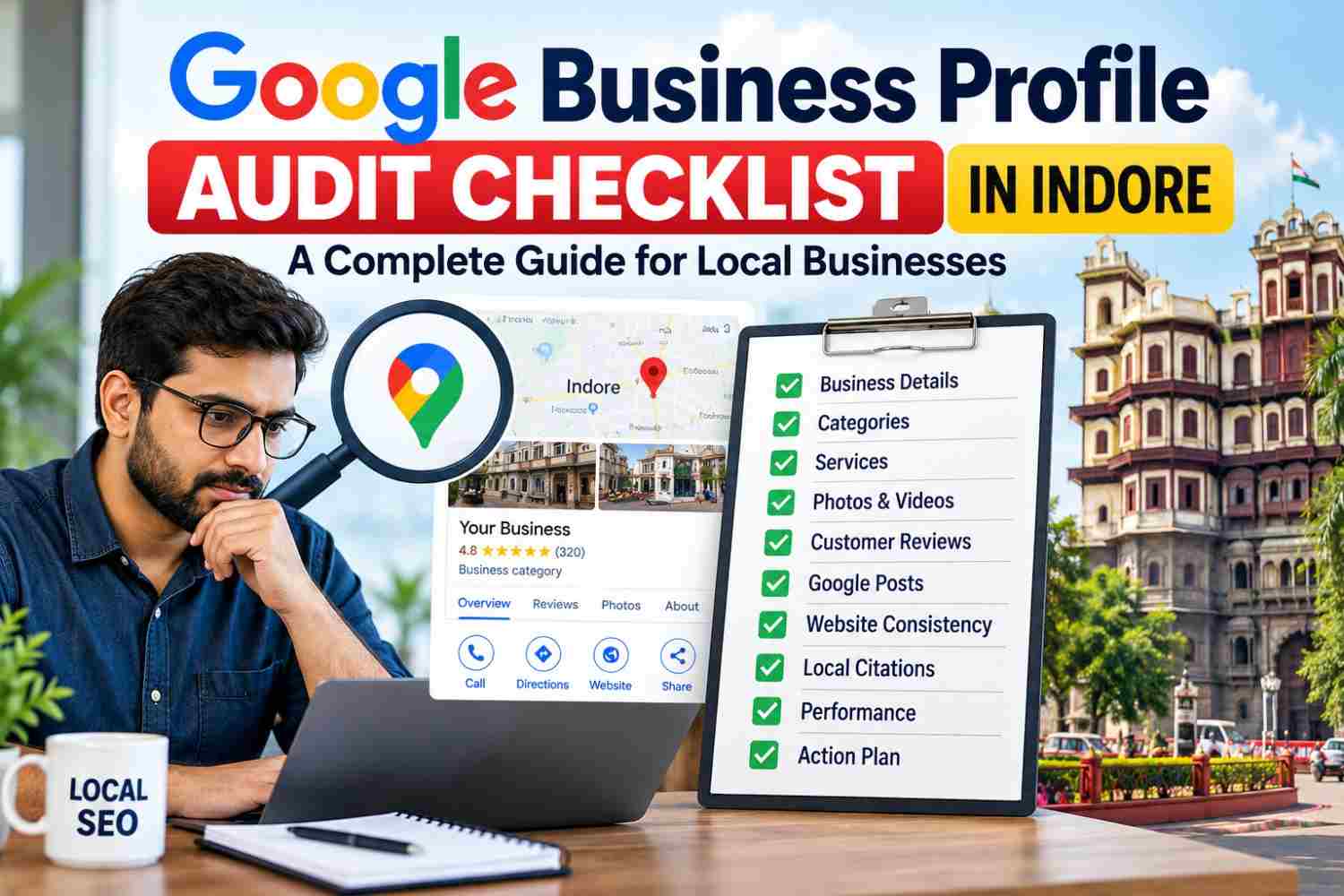
Complete Google Business Profile Audit Guide for Local Businesses
A Google Business Profile audit helps businesses identify inaccurate information, incomplete profile sections, policy issues and opportunities to improve their local online presence. For businesses in Indore, maintaining an accurate profile makes it easier for potential customers to discover services, check opening hours, find contact details and make informed decisions.
However, simply creating a profile does not guarantee better Google Maps rankings. Businesses must also provide accurate information, follow Google’s guidelines and maintain a useful customer experience. Therefore, a systematic audit is essential for identifying problems and prioritizing meaningful improvements.
Whether you operate a restaurant, clinic, hotel, retail shop or professional service company, this Google Business Profile audit checklist will help you evaluate the most important areas of your listing.
Why Is a Google Business Profile Audit Important in Indore?
Customers often compare several businesses before deciding whom to contact. They may read reviews, check business hours, view photos and visit a website before making their final choice. Consequently, incomplete or outdated information can create confusion and reduce customer confidence.
For example, an incorrect phone number may prevent enquiries, while outdated opening hours can lead to unnecessary visits. Similarly, missing service information may leave potential customers unsure whether your business meets their needs.
A regular Google Business Profile audit helps you identify these problems before they affect the customer experience. In addition, it provides a structured way to review business information, monitor changes and maintain consistency across relevant online platforms.
The objective is not to make random edits or repeat keywords. Instead, focus on accuracy, relevance, trust and compliance with Google’s policies.
Google Business Profile Audit Checklist: 12 Essential Checks
1. Audit Google Business Profile Ownership and Status
First, confirm that the correct business owner or authorized representative can manage the profile. Review available permissions and check whether Google displays any verification requests, restrictions or suspension notices.
Next, document unresolved issues before making further changes. If Google requests additional verification, follow the instructions provided in your account rather than creating a duplicate profile.
This first step is important because other optimization work may be delayed if the business cannot properly manage its listing.
During this audit, check profile ownership, management access, verification status and outstanding notifications. Once these details are confirmed, move on to the business information itself.
2. Review the Business Name and Categories
The business name should reflect the name used in the real world, including appropriate signage and business materials. Adding extra keywords, promotional phrases or location names solely to influence rankings may violate Google’s guidelines.
After checking the name, review the primary category. It should accurately describe the main activity of the business. Additional categories should represent other genuine activities rather than unrelated services.
For instance, a digital marketing agency in Indore should select a category that reflects its actual business offering. Choosing unrelated categories simply to appear for more searches is not a reliable optimization strategy.
Therefore, keep the business name accurate and choose categories according to the services genuinely provided.
3. Check the Address, Map Pin and Service Area
Location accuracy is another essential part of a Google Business Profile audit. Compare the displayed address with the actual business location and confirm that the map pin identifies the correct place.
If your business serves customers at their locations, review the service areas and make sure they reflect the places you genuinely cover. Conversely, if customers visit your premises, confirm that the displayed address follows Google’s eligibility requirements.
Do not use a virtual office or an unrelated address to target a particular locality.
Also, compare the location details with your website and important business listings. If discrepancies exist, identify which information is incorrect and correct it at the appropriate source.
4. Verify Phone Number, Website and Business Hours
Contact information should help customers reach your business without unnecessary difficulty. Start by calling the listed phone number and opening the website link. Then, compare the displayed opening hours with your actual operating schedule.
Pay particular attention to public holidays, temporary closures and seasonal changes. If your profile includes a booking or appointment link, test it to ensure that customers reach the correct destination.
Check that the phone number connects to the right business, the website loads correctly and the regular hours are accurate. In addition, update special hours whenever a temporary change affects customers.
These simple checks can prevent avoidable confusion and missed enquiries.
5. Evaluate the Business Description
The business description should explain what you offer, who you serve and what customers can expect. Keep it informative, readable and consistent with your actual services.
For businesses serving Indore, mentioning the city or a relevant service area can provide useful context. However, repeating the same keyword several times makes the description unnatural and less helpful.
Avoid unsupported claims, excessive promotional language and unnecessary keyword variations. Instead, explain the business’s main services and the value customers can expect.
A clear description helps visitors understand your business quickly. Therefore, prioritize useful information over keyword repetition.
6. Audit Services, Products and Business Attributes
Review the services or products displayed on your profile and confirm that they accurately represent your current offering. Remove outdated information and add relevant details that customers may need before contacting you.
Where applicable, review the available business attributes as well. These should reflect the actual business rather than assumptions about what customers might prefer.
For example, a home service provider should list the services it genuinely offers instead of adding unrelated services to target extra searches.
Use clear service names and organize information so that customers can understand the available options. As a result, your profile becomes more useful and less likely to create incorrect expectations.
7. Review Photos, Videos and Business Branding
Visual content helps potential customers understand your business before visiting or contacting you. Review your logo, cover photo and other available images for quality, accuracy and relevance.
The right visuals depend on the business type. For example, a restaurant may need genuine food and interior photos, whereas a professional service provider may benefit from workplace, team or completed-project images.
Replace outdated or misleading visuals where necessary. Furthermore, ensure that the images accurately represent your premises, products or services.
During the audit, check branding consistency, image quality and whether the available photos answer common customer questions. Prioritize authentic images that help customers make informed decisions.
8. Conduct a Customer Review and Response Audit
Customer reviews provide feedback about your business and help potential customers understand other people’s experiences. Review recent feedback and identify unanswered reviews or recurring complaints that require attention.
Respond professionally and personally. Thank customers for constructive feedback, acknowledge legitimate concerns and avoid sharing private information in public replies.
However, do not purchase fake reviews, pressure customers to leave positive ratings or offer prohibited incentives. If a review appears to violate Google’s policies, use the appropriate reporting process instead of reporting it simply because it is negative.
In addition, record recurring complaints and use them to identify opportunities to improve your service. This makes review management useful beyond simply responding to individual comments.
9. Check Google Posts and Profile Updates
Review recent profile updates to ensure that the information remains accurate and useful. Depending on your business, relevant updates may include announcements, events, genuine offers or service information.
Avoid publishing repetitive posts merely to include local keywords. Instead, give every update a clear purpose and provide information customers can actually use.
Check dates, offer conditions, images and destination links. If a promotion has ended or business information has changed, update or remove the outdated content where appropriate.
A consistent review process helps prevent old information from remaining visible to potential customers.
10. Review Website Consistency and Local SEO
Your website should support the information presented on your Google Business Profile. Compare the business name, phone number, address and service descriptions across relevant pages.
For businesses targeting customers in Indore, useful service pages can explain what the company offers, whom it serves and which areas it covers. However, creating several nearly identical pages with only the location name changed can lead to repetitive content and a poor user experience.
Review these related resources from Sanju Web SEO:
- Local SEO Services in Indore
- GMB Expert in Indore
- Technical SEO Services in Indore
- SEO Company in Indore
Also, review Google’s official business representation guidelines before making significant profile changes. These guidelines explain how businesses should represent themselves accurately on Google.
11. Audit Local Citations and Business Information
Local citations are business mentions on relevant directories, industry websites and other platforms. Inconsistent information across these listings can confuse customers and make it harder to identify the correct business.
Compare the business name, address, phone number and website URL on important listings. Correct outdated details wherever possible, particularly on reputable platforms that customers are likely to use.
Nevertheless, avoid submitting the business to every available directory just to increase the number of citations. Prioritize relevant platforms and accurate information instead.
This process supports a more consistent online presence and helps you identify outdated listings that need attention.
12. Measure Performance and Create an Action Plan
Finally, review the performance information available in your Business Profile. Depending on the available reporting features, this may include search terms and customer interactions.
Record the date range and available baseline metrics so future reviews can compare equivalent periods. However, remember that seasonal demand, competition and other external factors can also influence performance.
Organize the findings into three priority levels:
- High priority: Incorrect contact details, unresolved verification issues, policy concerns or inaccurate core business information.
- Medium priority: Missing relevant services, outdated photos, incomplete descriptions or unanswered reviews.
- Ongoing: Performance monitoring, customer communication and updates when business details change.
For each issue, document the problem, required action, responsible person, completion status and review date. Consequently, the audit becomes a practical improvement plan rather than a list of observations.
How Often Should You Conduct a Google Business Profile Audit?
A monthly review is a useful starting point for many small businesses. However, the appropriate frequency depends on how often business information changes and how actively the profile is managed.
Review important changes as soon as they occur, including relocation, a new phone number, revised opening hours, changes in services or temporary closures.
Businesses with multiple locations should maintain a separate audit record for each profile. This makes it easier to identify location-specific problems and assign responsibility for corrections.
In addition, keep records of completed changes and review available performance information over time. Consistent monitoring helps prevent recurring errors and keeps important business details up to date.
Common Google Business Profile Audit Mistakes to Avoid
Even a detailed audit can be ineffective if it leads to inappropriate changes. Avoid these common mistakes:
- Adding keywords to the business name that are not part of its genuine real-world name.
- Selecting irrelevant categories to target additional searches.
- Creating duplicate profiles for the same eligible business location.
- Displaying an inaccurate address or service area.
- Repeating keywords unnaturally in descriptions and posts.
- Using misleading photos or outdated business information.
- Reporting negative reviews without checking whether they violate Google’s policies.
- Assuming that completing every profile field guarantees higher rankings.
Instead, verify information before editing it and follow Google’s guidelines. Prioritize corrections that improve accuracy and help customers understand your business.
Conclusion
A Google Business Profile audit helps businesses identify inaccurate details, incomplete sections and practical local SEO opportunities. By reviewing ownership, business information, categories, services, photos, customer feedback, citations and performance, you can create a clear plan for maintaining a reliable profile.
The objective is not to make unnecessary changes or promise instant rankings. Rather, correct genuine problems, provide accurate information and make it easier for potential customers to understand your business.
If you need help reviewing your local search presence, visit Sanju Web SEO or call +91 9302110432 to discuss your requirements. You can also connect with us on LinkedIn for more local SEO insights, practical optimization tips, Google Business Profile updates, and strategies to strengthen your business visibility online.
FAQ’s:-
Q1. What is a Google Business Profile audit?
A Google Business Profile audit is a structured review of a business listing to identify inaccurate details, missing information, policy issues and opportunities for improvement.
Q2. Why should businesses in Indore audit their profiles?
An audit helps businesses identify errors that may confuse customers, such as incorrect opening hours, outdated contact details or incomplete service information. As a result, businesses can prioritize corrections that improve the customer experience.
Q3. How often should I audit my Google Business Profile?
A monthly review is a useful starting point for many businesses. However, important changes to contact details, opening hours, location or services should be checked as soon as they occur.
Q4. Does a profile audit guarantee better Google Maps rankings?
No. An audit identifies potential improvements, but rankings depend on several factors, including relevance, distance and prominence. Therefore, no audit can guarantee a particular position.
Q5. Which details should I check first?
Start with ownership, profile status, business name, primary category, address, phone number, website and opening hours. After that, review services, photos, customer feedback and performance.
Q6. Can I add location keywords to my business name?
Your profile name should reflect your genuine real-world business name. Adding extra keywords solely to influence rankings may violate Google’s guidelines.
Q7. Are customer reviews part of a profile audit?
Yes. Reviewing customer feedback helps identify unanswered reviews and recurring concerns. In addition, professional responses can help businesses address customer questions and acknowledge legitimate issues.
Q8. Should my website details match my business profile?
Yes. Keep important business information accurate and consistent wherever it appears, including your website and relevant business directories. This also helps customers confirm that they have found the correct business.
Q9. How can I measure profile performance after an audit?
Record the performance metrics available in your profile for a defined date range and compare them with equivalent periods later. However, consider seasonal changes and other factors before attributing results to specific edits.
Q10. Can Sanju Web SEO help audit a business profile in Indore?
Sanju Web SEO provides local SEO and Google Business Profile optimization services. Businesses can contact the agency to discuss their requirements and determine which areas of their local presence need attention.