
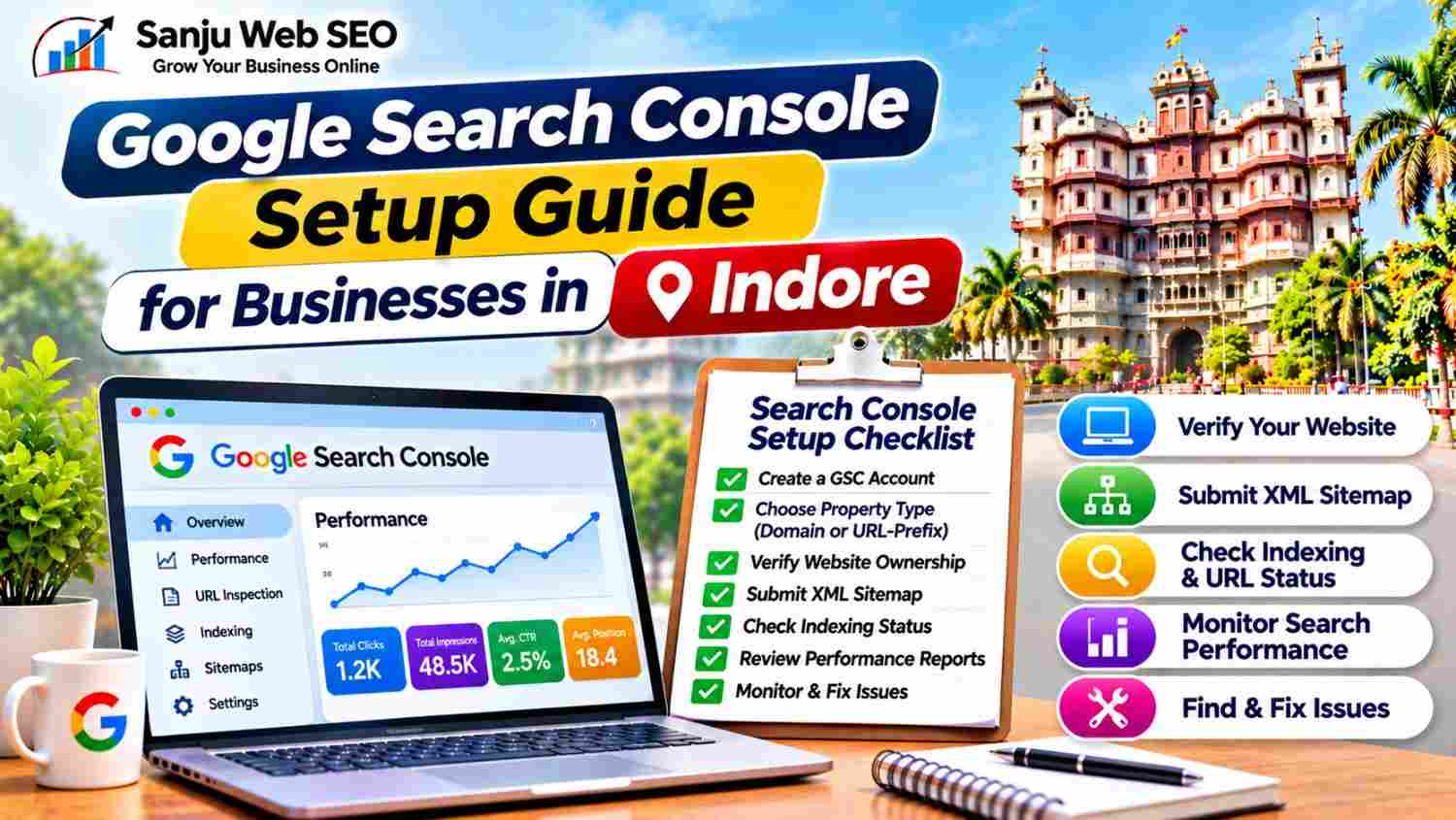
A Practical Guide to Website Verification, Sitemap Submission, Indexing and Search Performance
A Google Search Console Setup Guide for Businesses in Indore helps website owners understand how to connect their websites with Google Search Console and monitor their organic search performance. Whether you operate a local business, service company, clinic, restaurant or eCommerce website, Search Console provides useful information about how Google discovers, crawls and indexes your website.
However, creating an account is only the first step. You also need to verify website ownership, submit your sitemap, inspect important URLs and review indexing reports. Additionally, regular performance monitoring helps identify search queries, technical issues and opportunities for improvement.
For WordPress website owners, proper Search Console configuration is particularly useful because it helps monitor published pages, blog posts, sitemap status and indexing issues. This guide explains the complete setup process and practical ways to use Google Search Console for businesses targeting customers in Indore.
What Is Google Search Console?
Google Search Console is a free service from Google that helps website owners monitor their website’s presence in Google Search.
It provides information about how Google interacts with your website and how your pages perform in organic search results.
Some important features include:
- Search performance reports
- Website indexing reports
- URL Inspection tool
- XML sitemap submission
- Page experience reports
- Core Web Vitals reports
- Security and manual action notifications
- Links information
For example, you can use Search Console to check whether an important service page is indexed or identify which search queries generate impressions and clicks.
However, Search Console does not guarantee indexing or higher rankings. Instead, it provides data and diagnostic information that can help you make informed SEO decisions.
Why Google Search Console Is Important for Businesses in Indore
Businesses need reliable information about their website’s search performance. Therefore, Google Search Console can support several important SEO activities.
1. Monitors Organic Search Performance
Search Console shows how your website performs in Google Search. You can review impressions, clicks, click-through rate and average position.
Additionally, query-level data helps identify the search terms through which people discover your website.
2. Helps Identify Indexing Issues
A page may be published on your website without appearing in Google’s index. Search Console provides indexing reports that help identify reasons why certain URLs may not be indexed.
Consequently, website owners can investigate technical problems and decide which pages need attention.
3. Helps Monitor Sitemap Status
Submitting an XML sitemap helps Google discover important website URLs.
Search Console provides sitemap reporting that can show submission status and information about URLs discovered through the submitted sitemap.
However, sitemap submission does not guarantee that every listed URL will be crawled or indexed.
4. Supports Data-Driven SEO Decisions
Search Console provides actual search performance information for your website.
For example, if a service page receives impressions but few clicks, you can review its title and meta description. Similarly, if an important page loses impressions, you can investigate content changes, indexing status and search competition.
Google Search Console Setup Guide for Businesses in Indore: 10 Essential Steps
Follow these steps to configure Google Search Console and start monitoring your website.
Step 1: Open Google Search Console
First, visit the official Google Search Console website:
Sign in using your Google account. Ideally, use an account that your business can access and maintain over time.
Next, open the Search Console property selection screen. Google provides two main property options:
- Domain Property
- URL-prefix Property
Both options can help you monitor website performance. However, they differ in the URLs and verification methods they cover.
Step 2: Choose Between Domain and URL-Prefix Properties
Understanding the property types is important before proceeding.
Domain Property
A Domain Property covers all protocols and subdomains associated with the verified domain.
For example, a Domain Property for example.com can include:
Domain Properties require DNS verification.
URL-Prefix Property
A URL-prefix Property covers URLs that begin with the exact prefix entered during setup.
For example, https://www.example.com/ and https://example.com/ are separate URL-prefix properties.
URL-prefix properties support several verification methods, including HTML file upload, HTML tag, Google Analytics and Google Tag Manager, depending on eligibility.
For most businesses, a Domain Property provides broader domain-level coverage. However, select the property according to your website setup and verification access.
Step 3: Verify Website Ownership
Google requires ownership verification before providing full access to a Search Console property.
For a Domain Property, DNS verification is required.
The general process is:
- Select the Domain Property option.
- Enter your domain name without the protocol.
- Continue to the verification instructions.
- Copy the TXT record provided by Google.
- Open your domain DNS management panel.
- Add the TXT record exactly as instructed.
- Save the DNS changes.
- Return to Search Console and select Verify.
DNS updates may take time to become visible. Therefore, if verification fails immediately, check the record details and allow additional time before trying again.
For a URL-prefix property, you can use another available verification method. For example, an HTML tag may be added to the website’s homepage, while an HTML verification file can be uploaded to the website’s root directory.
Do not remove the verification method after successful verification unless another verified ownership method remains available.
Step 4: Submit Your XML Sitemap
Once ownership is verified, submit your website’s XML sitemap.
A sitemap helps Google discover URLs that you want search engines to consider.
For many WordPress websites using Yoast SEO, the sitemap index is commonly available at:
https://example.com/sitemap_index.xml
Replace example.com with your actual website domain.
Follow these steps:
- Open your verified Search Console property.
- Select Sitemaps from the left navigation.
- Enter your sitemap URL in the submission field.
- Select Submit.
- Review the submission status.
Depending on your website structure, the sitemap index may contain separate sitemaps for pages, posts, categories and other content types.
However, do not submit random sitemap URLs without checking whether they exist. Open the sitemap in your browser first and confirm that it loads correctly.
Step 5: Inspect Important Website URLs
The URL Inspection tool helps you understand how Google sees an individual page.
Enter an important URL into the inspection field at the top of Search Console.
You can inspect:
- Homepage
- Main service pages
- Important location pages
- Recently published blog posts
- Updated website content
The inspection report may show whether the URL is indexed, whether Google can access it and when it was last crawled, where that information is available.
If a page is eligible for indexing but has not been indexed, you may request indexing.
However, requesting indexing does not guarantee immediate crawling or inclusion in search results. First, check whether the page has useful content, accessible links and no unintended indexing restrictions.
Step 6: Review the Page Indexing Report
The Page Indexing report helps you understand which pages Google has indexed and which pages are not indexed.
Common statuses may include:
- Indexed
- Crawled – currently not indexed
- Discovered – currently not indexed
- Duplicate without user-selected canonical
- Alternate page with proper canonical tag
- Excluded by a noindex tag
- Not found (404)
- Server error (5xx)
Each status requires a different investigation.
For example, a 404 URL may need correction if it represents an important page. Similarly, a page marked with a noindex directive should be reviewed if you actually want it indexed.
However, not every excluded URL is an SEO problem. Some URLs may be intentionally excluded because they are duplicates, filtered pages or unnecessary website resources.
Therefore, investigate the purpose and importance of each affected URL before making changes.
Step 7: Monitor the Performance Report
The Performance report helps you understand how your website appears in Google Search.
Important metrics include:
Total Clicks: The number of clicks from Google Search results to your website.
Total Impressions: How often your website appears in search results.
Average CTR: The percentage of impressions that resulted in clicks.
Average Position: The average position of your website’s highest-ranking result for the selected data.
You can also review performance by:
- Search queries
- Pages
- Countries
- Devices
- Search appearance
- Dates
For example, a business targeting customers in Indore can review queries containing service-related terms and identify pages receiving relevant impressions.
Additionally, compare different time periods to understand performance changes. However, avoid treating average position as a fixed ranking because it can vary by query, location, device and search context.
Step 8: Connect Search Console With Google Analytics
Google Search Console and Google Analytics provide different types of information.
Search Console focuses on Google Search performance, whereas Google Analytics helps analyze website activity after visitors arrive.
Connecting the two can make reporting more convenient.
For example, you can use Search Console to identify search queries and landing pages, while Analytics helps assess website engagement and conversion activity.
To connect eligible accounts:
- Open your Google Analytics property.
- Navigate to the relevant product links section.
- Select Search Console linking.
- Choose the verified Search Console property.
- Select the appropriate web data stream.
- Review and complete the linking process.
Make sure the correct website and accounts are selected. Additionally, remember that linking the tools does not automatically make every Search Console metric available in every Analytics report.
Step 9: Review Experience, Security and Manual Actions
Search Console provides additional reports that can help identify website issues.
Review relevant sections such as:
- Core Web Vitals
- HTTPS
- Manual Actions
- Security Issues
For example, Core Web Vitals reports can help identify performance problems affecting eligible groups of URLs.
Similarly, the Security Issues report can notify website owners about certain security-related problems detected by Google.
If a manual action appears, review the specific reason and follow Google’s instructions to resolve the issue.
However, do not assume that every traffic decline indicates a manual action or security problem. Check the actual reports and investigate the evidence first.
Step 10: Create a Regular Search Console Monitoring Routine
After setup, monitor Search Console consistently instead of checking it only when a problem occurs.
Create a monthly tracking sheet with:
- Total clicks
- Total impressions
- Average CTR
- Average position
- Important search queries
- Top-performing pages
- Indexing issues
- Sitemap status
- Newly published pages
- Pages requiring attention
Additionally, review important URLs after major website updates or content changes.
This process helps identify performance trends and prioritize improvements based on actual data.
Common Google Search Console Setup Mistakes to Avoid
Even a correctly created account can become difficult to manage when basic setup steps are missed.
Avoid these common mistakes:
- Selecting the wrong property type: Understand Domain and URL-prefix coverage before adding a property.
- Using incorrect DNS records: Copy the verification TXT record exactly as provided.
- Submitting a non-existent sitemap: Check the sitemap URL in your browser before submission.
- Ignoring indexing reports: Review important excluded URLs and investigate their causes.
- Requesting indexing repeatedly: Improve page quality and resolve technical issues instead of submitting repeated requests.
- Monitoring only the homepage: Inspect important service pages, blogs and location pages as well.
- Ignoring performance data: Review queries, pages, clicks and impressions regularly.
- Removing verification records: Maintain an active ownership verification method.
By avoiding these issues, businesses can manage Search Console more effectively and maintain a reliable monitoring process.
How Google Search Console Works With Other SEO Activities
Google Search Console is an important part of website SEO monitoring. However, it works best when combined with other optimization activities.
For example, technical SEO helps search engines access and understand website pages. Meanwhile, keyword research identifies the search terms that match customer requirements.
Similarly, on-page optimization improves page content and metadata, while local SEO supports visibility for geographically relevant searches.
Businesses can explore Technical SEO Services in Indore to understand how technical improvements support website performance.
Additionally, companies planning broader search optimization can review SEO Services in Indore.
How Sanju Web SEO Approaches Google Search Console Setup in Indore
At Sanju Web SEO, Google Search Console setup begins with reviewing the website structure and selecting the appropriate property type.
The process can include:
- Creating or reviewing Search Console properties
- Verifying website ownership
- Checking DNS or URL-prefix verification
- Reviewing XML sitemap configuration
- Submitting the sitemap index
- Inspecting important website URLs
- Reviewing indexing reports
- Monitoring search performance
- Identifying technical SEO issues
Furthermore, WordPress websites should be checked for correct sitemap generation, canonical URLs and indexing settings.
The objective is to establish reliable search monitoring and help businesses understand how Google interacts with their websites.
You can also connect with Sanju Web SEO on LinkedIn for practical SEO insights, technical SEO guidance and website optimization updates.
Conclusion
Google Search Console helps businesses monitor their website’s presence in Google Search and identify opportunities for improvement.
However, successful setup requires more than creating an account. Website owners should verify the correct property, submit a valid sitemap, inspect important URLs and review indexing and performance reports regularly.
By following this Google Search Console Setup Guide for Businesses in Indore, companies can create a structured process for monitoring website indexing, understanding search performance and identifying technical issues.
If you need help setting up Google Search Console or improving your website’s technical SEO, visit Sanju Web SEO or call +91 9302110432 to discuss your requirements. You can also connect with us on LinkedIn for more SEO insights, practical Search Console guidance, website indexing updates and strategies to strengthen your business visibility online.
FAQ’s:-
Q1. What Is a Google Search Console Setup Guide for Businesses in Indore?
A Google Search Console Setup Guide for Businesses in Indore explains how to connect a website with Google’s search monitoring platform. It covers property creation, ownership verification, sitemap submission and performance monitoring. Additionally, it helps businesses understand how Google discovers and indexes their website pages. As a result, website owners can make more informed decisions about their SEO activities.
Q2. Why Is Google Search Console Important for Businesses in Indore?
Google Search Console provides information about website clicks, impressions, search queries and indexing status. Moreover, businesses can identify technical issues and review important pages. For example, they can discover which pages receive search impressions but generate fewer clicks. Consequently, they can prioritize improvements based on actual search performance data.
Q3. Should I Choose Domain or URL-Prefix Property in Google Search Console?
A Domain Property covers all protocols and subdomains of the verified domain, whereas a URL-prefix Property covers only URLs beginning with the specified prefix. Therefore, choose the property according to your website structure and verification access. Additionally, remember that Domain Properties require DNS verification. On the other hand, eligible URL-prefix properties support several verification methods, including HTML tags and file uploads.
Q4. How Can I Verify My Website Using Google Search Console Setup?
First, add your website as a property. Next, select an available verification method and follow Google’s instructions. For Domain Properties, add the provided DNS TXT record through your domain provider. Alternatively, eligible URL-prefix properties may support HTML tags, HTML files or other verification methods. Finally, return to Search Console and complete the verification process.
Q5. How Do I Submit a Sitemap Through Google Search Console Setup?
Open your verified property and select the Sitemaps section. Next, enter your valid XML sitemap URL and submit it. Additionally, check the sitemap status to identify any reported errors. However, successful submission does not guarantee that every listed URL will be indexed. Therefore, inspect important website pages separately when necessary.
Q6. How Can Google Search Console Help With Website Indexing?
The Page Indexing report provides information about indexed and non-indexed URLs. Moreover, the URL Inspection tool helps examine individual pages. For example, website owners can investigate crawling issues, noindex directives and other technical restrictions. Consequently, they can identify the reason behind indexing problems and request indexing when appropriate.
Q7. How Often Should Businesses Follow a Google Search Console Setup and Monitoring Routine?
Businesses should review important performance and indexing reports regularly. For example, a monthly review can help identify changes in clicks, impressions and search queries. Additionally, inspect important pages after major website updates or technical changes. This way, businesses can identify potential problems early and take corrective action when required.
Q8. Can Google Search Console Guarantee Better Google Rankings?
No, Google Search Console does not guarantee better rankings. Instead, it provides information that helps website owners understand search performance and identify potential issues. Furthermore, actual rankings depend on multiple factors, including relevance, content quality, competition and technical accessibility. Therefore, use Search Console data to guide SEO improvements rather than treating it as a ranking guarantee.
Q9. Can I Connect Google Search Console With Google Analytics?
Yes, eligible Google Analytics properties can be linked with a Search Console property. Consequently, website owners can access relevant search performance information alongside website analytics. For example, Search Console provides search query and click information, while Analytics helps evaluate website activity. However, the two platforms measure different activities, so their reports should be interpreted accordingly.
Q10. Can Sanju Web SEO Help With Google Search Console Setup in Indore?
Yes, Sanju Web SEO provides technical SEO support that can include Search Console property setup, website verification, sitemap submission and indexing reviews. Additionally, businesses can receive guidance on performance reports and identifying technical issues. As a result, they can understand how Google interacts with their website and prioritize relevant improvements to strengthen their search visibility.