
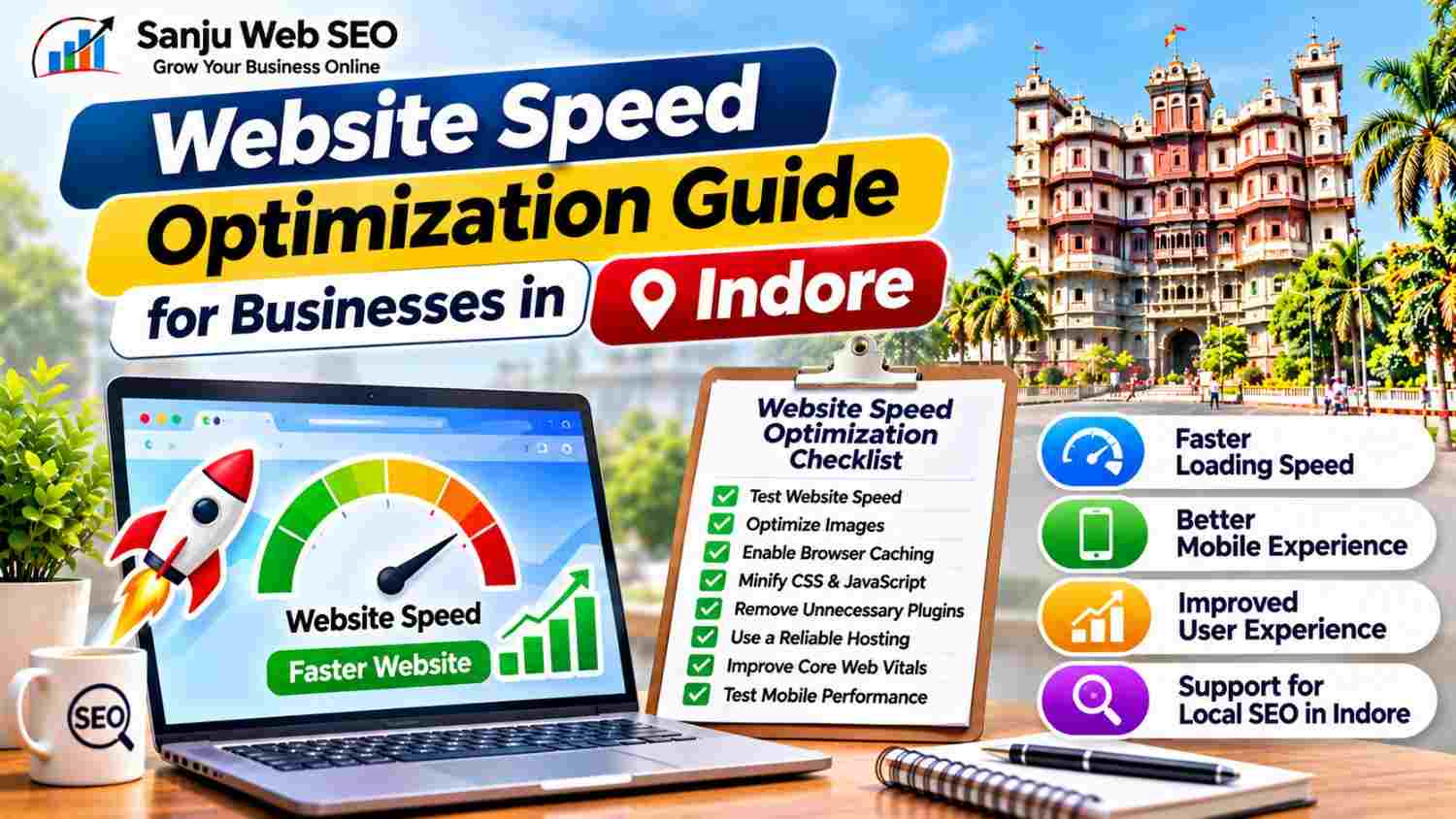
A Practical Guide to Faster Loading, Better Mobile Performance and Improved User Experience
A Website Speed Optimization Guide for Businesses in Indore helps companies improve how quickly their websites load and respond to visitors. When potential customers visit a business website, they expect pages, images, menus and contact information to appear without unnecessary delays. Therefore, website performance plays an important role in the overall browsing experience.
However, website speed is not determined by a single setting. Large images, excessive plugins, unoptimized scripts, slow hosting and poorly configured caching can all affect performance. Additionally, a website may load quickly on one device but perform poorly on another.
Whether you operate a local service business, clinic, restaurant, consultancy or eCommerce website, improving loading performance can make your website easier to use. This guide explains how to test website speed, identify performance problems and implement practical improvements for businesses targeting customers in Indore.
What Is Website Speed Optimization?
Website speed optimization is the process of improving how quickly a website loads, displays content and responds to user interactions.
It involves reviewing different parts of a website, including:
- Image and media file sizes
- Server response time
- Browser caching
- CSS and JavaScript files
- Page structure
- Third-party scripts
- Mobile performance
- Core Web Vitals
For example, an image-heavy homepage may take longer to display if the images are unnecessarily large. Similarly, multiple scripts and plugins can increase the amount of work a browser needs to perform.
Consequently, speed optimization requires identifying the actual causes of delays and addressing them without damaging website functionality.
Why Website Speed Optimization Matters for Businesses in Indore
Businesses depend on their websites to generate enquiries, explain services, display products and communicate important information. Therefore, a slow website can create unnecessary friction during the customer journey.
1. Improves User Experience
Visitors expect websites to respond smoothly. If a page takes too long to display important information, some users may leave before exploring the business.
A faster website helps visitors access service details, contact information and other useful content more comfortably.
2. Supports Mobile Visitors
Many customers browse business websites using smartphones. However, mobile devices may have different processing capabilities and network conditions compared with desktop computers.
Therefore, businesses should test their websites on mobile devices and improve the experience for smaller screens.
3. Supports Search Performance
Google uses Core Web Vitals as part of its page experience evaluation systems. These metrics help assess loading performance, visual stability and interaction responsiveness.
However, speed alone does not guarantee higher Google rankings. Search visibility also depends on content relevance, technical accessibility, competition and many other factors.
4. Helps Improve Conversion Opportunities
A website often acts as the first point of contact between a business and a potential customer.
If important pages load smoothly, visitors can access enquiry forms, product information and contact options more easily. As a result, a better browsing experience can support business conversion goals.
Website Speed Optimization Guide for Businesses in Indore: 10 Essential Steps
Follow these steps to identify common performance issues and improve your website loading experience.
Step 1: Test Your Website Speed
Start by measuring your website’s current performance. Testing before making changes helps you understand which pages need attention.
Useful testing tools include:
- Google PageSpeed Insights
- Lighthouse
- Chrome DevTools
- GTmetrix
Google PageSpeed Insights provides performance information for both mobile and desktop experiences. Additionally, it reports Core Web Vitals data when sufficient real-user data is available.
Test important pages separately, such as your homepage, service pages, product pages and contact page.
Do not rely on one test result alone. Performance can vary because of network conditions, server load, device capabilities and caching.
Step 2: Optimize Images Before Uploading
Large images are a common reason for slow-loading pages.
Before uploading images to WordPress, resize them according to their actual display requirements. Additionally, compress images to reduce file size while maintaining acceptable visual quality.
Consider these practices:
- Use WebP or AVIF where supported.
- Resize oversized photographs.
- Compress images before uploading.
- Avoid unnecessarily large background images.
- Use descriptive image file names.
- Add suitable image dimensions.
For example, a small thumbnail does not need the same dimensions as a full-width banner.
Furthermore, use lazy loading for suitable below-the-fold images. However, avoid delaying the loading of the main hero image when it is the page’s Largest Contentful Paint element.
Step 3: Enable Browser Caching
Browser caching allows visitors’ browsers to store certain website resources locally.
When a visitor returns to your website, the browser may reuse cached files instead of downloading everything again.
Caching can improve repeat visits by reducing unnecessary requests.
For WordPress websites, caching may be configured through a compatible caching plugin, hosting platform or server configuration.
However, use appropriate cache settings for different types of content. Pages containing frequently changing information or personalized content may require different caching rules.
Step 4: Use a Reliable Hosting Environment
Your hosting server plays an important role in website performance.
A poorly configured or overloaded server may take longer to respond to requests. Therefore, review your hosting plan, available resources and server performance.
When evaluating hosting, consider:
- Server response time
- Available CPU and memory resources
- Storage performance
- Server location and network quality
- PHP version support
- Caching features
- Backup and security facilities
Additionally, businesses should review whether their current hosting plan can handle website traffic and plugin requirements.
If a website has grown significantly, upgrading hosting resources or reviewing the server configuration may be necessary.
Step 5: Reduce Unnecessary WordPress Plugins
WordPress plugins add useful features. However, installing too many unnecessary or poorly optimized plugins can increase website complexity.
Review the plugins installed on your website and identify those that are inactive, duplicated or no longer required.
For example, a website may use multiple plugins for similar functions such as caching, image optimization or script management.
Remove unnecessary plugins carefully after checking their dependencies and functionality.
Moreover, keep essential plugins updated and choose reputable solutions that receive regular maintenance.
The objective is not to achieve the lowest possible plugin count. Instead, use only the tools that provide genuine value without creating avoidable performance problems.
Step 6: Optimize CSS and JavaScript Files
CSS controls the visual appearance of a website, while JavaScript supports interactive features.
Large or poorly managed files can increase loading time and delay page rendering.
Depending on your website setup, consider:
- Minifying CSS files
- Minifying JavaScript files
- Removing unused CSS
- Deferring non-critical JavaScript
- Delaying selected third-party scripts
- Reducing unnecessary animations
However, apply these changes carefully.
Combining or delaying scripts can sometimes break menus, forms, sliders and other interactive elements. Therefore, test important website functionality after every significant optimization.
Step 7: Use a Content Delivery Network When Appropriate
A Content Delivery Network, or CDN, distributes website resources across multiple servers.
When a visitor requests a resource, the CDN may deliver it from a suitable server closer to the visitor’s network location.
This can reduce delivery delays for static resources such as images, CSS and JavaScript.
A CDN may be useful for websites serving visitors across multiple regions or countries. However, the benefits depend on the existing hosting setup, audience location and resource delivery configuration.
Additionally, configure CDN caching correctly to avoid outdated content or unexpected website behaviour.
Step 8: Improve Core Web Vitals
Core Web Vitals measure important aspects of the user experience.
The three main metrics are:
Largest Contentful Paint (LCP): Measures how quickly the largest visible content element loads. Google recommends an LCP of 2.5 seconds or less for a good user experience.
Interaction to Next Paint (INP): Measures how responsive a page is to user interactions. A good INP is 200 milliseconds or less.
Cumulative Layout Shift (CLS): Measures unexpected layout movement. A good CLS score is 0.1 or less.
These measurements should be reviewed using PageSpeed Insights and other suitable performance tools.
For example, oversized hero images can affect LCP, while heavy scripts may affect interaction responsiveness. Similarly, images without reserved dimensions can contribute to unexpected layout shifts.
Therefore, identify the specific metric that needs improvement before changing website settings.
Step 9: Optimize Mobile Website Performance
A website should provide a comfortable experience on smartphones, tablets and desktops.
Check the following mobile performance elements:
- Responsive page layouts
- Readable text sizes
- Properly sized images
- Easy-to-use navigation
- Clickable phone numbers
- Accessible enquiry forms
- Minimal unnecessary pop-ups
- Fast-loading important content
Additionally, test the actual mobile experience rather than relying only on desktop scores.
A page may look excellent on a large monitor but create usability problems on a smaller screen. Consequently, mobile testing should remain part of every important speed optimization process.
Step 10: Monitor Website Speed Regularly
Website performance can change after plugin updates, theme changes, new scripts, image uploads or hosting modifications.
Therefore, monitor important pages regularly.
Maintain a performance tracking sheet containing:
- Page URL
- Testing date
- Mobile performance result
- Desktop performance result
- LCP
- INP
- CLS
- Identified issues
- Changes implemented
- Retest result
Additionally, test pages after major website updates.
This approach helps identify performance regressions and makes future improvements easier to prioritize.
Common Website Speed Optimization Mistakes to Avoid
Speed optimization can create new problems when changes are implemented without testing.
Avoid these common mistakes:
- Installing multiple caching plugins: Overlapping caching systems may create conflicts.
- Uploading oversized images: Resize and compress images before publishing them.
- Delaying every JavaScript file: Some scripts are required for essential website functionality.
- Ignoring mobile performance: Desktop results do not represent every visitor’s experience.
- Removing plugins without checking dependencies: Some website features may stop working.
- Ignoring server performance: Plugin settings cannot always solve hosting-related delays.
- Chasing a perfect PageSpeed score: Focus on meaningful performance improvements and user experience.
- Making changes without retesting: Always verify important pages after optimization.
By following a measured process, businesses can improve performance without unnecessarily disrupting their websites.
How Website Speed Optimization Works With Other SEO Activities
Website speed is an important part of technical SEO, but it should work alongside other optimization activities.
For example, a fast website still needs useful content, clear headings and relevant keywords. Similarly, a well-optimized service page should provide accurate business information and useful internal links.
Businesses can explore Technical SEO Services in Indore to understand how performance improvements fit into broader technical optimization.
Additionally, companies planning wider website improvements can review SEO Services in Indore.
How Sanju Web SEO Approaches Website Speed Optimization in Indore
At Sanju Web SEO, website speed optimization begins with performance testing and identifying issues that affect important website pages.
The process can include:
- Reviewing mobile and desktop performance
- Analyzing PageSpeed Insights reports
- Identifying oversized images
- Reviewing caching configuration
- Checking unnecessary plugins
- Evaluating CSS and JavaScript loading
- Reviewing hosting-related performance
- Monitoring Core Web Vitals
- Testing pages after optimization
Furthermore, recommendations should consider the website’s platform, theme, hosting environment and existing functionality.
The objective is to improve website performance while maintaining a stable and useful experience for visitors.
You can also connect with Sanju Web SEO on LinkedIn for practical SEO insights, website optimization guidance and digital marketing updates.
Conclusion
Website speed affects how visitors experience your business online. Slow-loading pages, oversized images, unnecessary scripts and server issues can make it harder for customers to access important information.
However, effective optimization starts with proper testing rather than installing random plugins or chasing a perfect performance score.
By following this Website Speed Optimization Guide for Businesses in Indore, companies can identify performance issues, improve mobile usability, monitor Core Web Vitals and create a smoother browsing experience.
If you need help improving your website’s performance and search presence, visit Sanju Web SEO or call +91 9302110432 to discuss your requirements. You can also connect with us on LinkedIn for more SEO insights, practical website speed optimization advice, technical SEO updates and strategies to strengthen your business visibility online.
FAQ’s:-
Q1. What Is a Website Speed Optimization Guide for Businesses in Indore?
A Website Speed Optimization Guide for Businesses in Indore explains how companies can improve website loading time, mobile performance and user experience. It covers image compression, caching, hosting, code optimization and Core Web Vitals. Additionally, it helps businesses identify performance issues and prioritize suitable improvements.
Q2. Why Is Website Speed Optimization Important for Businesses in Indore?
Website speed optimization helps visitors access business information, services and contact options more smoothly. Moreover, a better loading experience can support customer engagement and conversion opportunities. However, website speed alone does not guarantee higher search rankings.
Q3. How Can I Test Website Speed Using This Website Speed Optimization Guide for Businesses in Indore?
Start by testing important website pages with Google PageSpeed Insights. Next, review mobile and desktop performance reports. Additionally, examine Core Web Vitals and the recommendations provided by the tool. This process helps identify areas that require attention.
Q4. Which Tools Are Recommended in a Website Speed Optimization Guide for Businesses in Indore?
Google PageSpeed Insights, Lighthouse, Chrome DevTools and GTmetrix can help evaluate website performance. Each tool provides different measurements and diagnostic information. Therefore, use the results together to understand loading issues rather than depending on one score.
Q5. How Do Images Affect Website Speed Optimization for Businesses in Indore?
Large image files can increase page loading time and consume additional data. Therefore, resize and compress images before uploading them. Additionally, use suitable formats such as WebP or AVIF where supported and apply lazy loading to appropriate below-the-fold images.
Q6. Does Website Speed Optimization for Businesses in Indore Require a Caching Plugin?
Not every website requires the same caching solution. However, browser caching and suitable page caching can reduce unnecessary resource loading. WordPress websites may use a compatible caching plugin or hosting-level caching. Always test the website after changing caching settings.
Q7. What Are Core Web Vitals in a Website Speed Optimization Guide for Businesses in Indore?
Core Web Vitals are Google metrics that assess loading performance, interaction responsiveness and visual stability. They include LCP, INP and CLS. Additionally, these metrics help website owners identify user-experience problems that may require technical improvements.
Q8. Can Website Speed Optimization Improve Mobile Performance for Indore Businesses?
Yes, suitable optimization can improve mobile loading and usability. For example, image compression, responsive layouts and efficient script loading can help mobile visitors access information more smoothly. However, businesses should test actual mobile performance before and after making changes.
Q9. How Often Should Businesses Follow a Website Speed Optimization Guide for Businesses in Indore?
Businesses should review performance periodically and after major website changes. For example, new plugins, theme updates, scripts and large image uploads may affect loading speed. Additionally, regular testing helps identify performance problems before they become more serious.
Q10. Can Sanju Web SEO Help With Website Speed Optimization in Indore?
Yes, Sanju Web SEO provides website and technical SEO support that can include speed testing, image optimization, caching reviews and Core Web Vitals analysis. Additionally, businesses can receive recommendations based on their website platform, hosting environment and performance requirements.